


![Falcon Chair Office Chairs Falcon Chair [Free Footrest Worth $150] Ergoworks](http://ergoworks.com.sg/cdn/shop/files/Falcon_A.png?v=1786502358&width=104)


![Ergoworks Dual Benching Electric Desk [Customizable] Dual Benching Electric Desk Ergoworks](http://ergoworks.com.sg/cdn/shop/files/EW-0223H-2.jpg?v=1778755296&width=104)





![Impact Junior Desk Chair Set Impact Ergonomic Kids Desk & Chair Set [Chair & Length Options Available] Ergoworks](http://ergoworks.com.sg/cdn/shop/files/KidDeskMainImageFinal.png?v=1778618207&width=104)
![Impact Junior Desk Chair Set Impact Ergonomic Kids Desk & Chair Set [Chair & Length Options Available] Ergoworks](http://ergoworks.com.sg/cdn/shop/files/gray_ff76a24f-26d1-469b-b2d5-0013d4a950d7.jpg?v=1785487301&width=104)







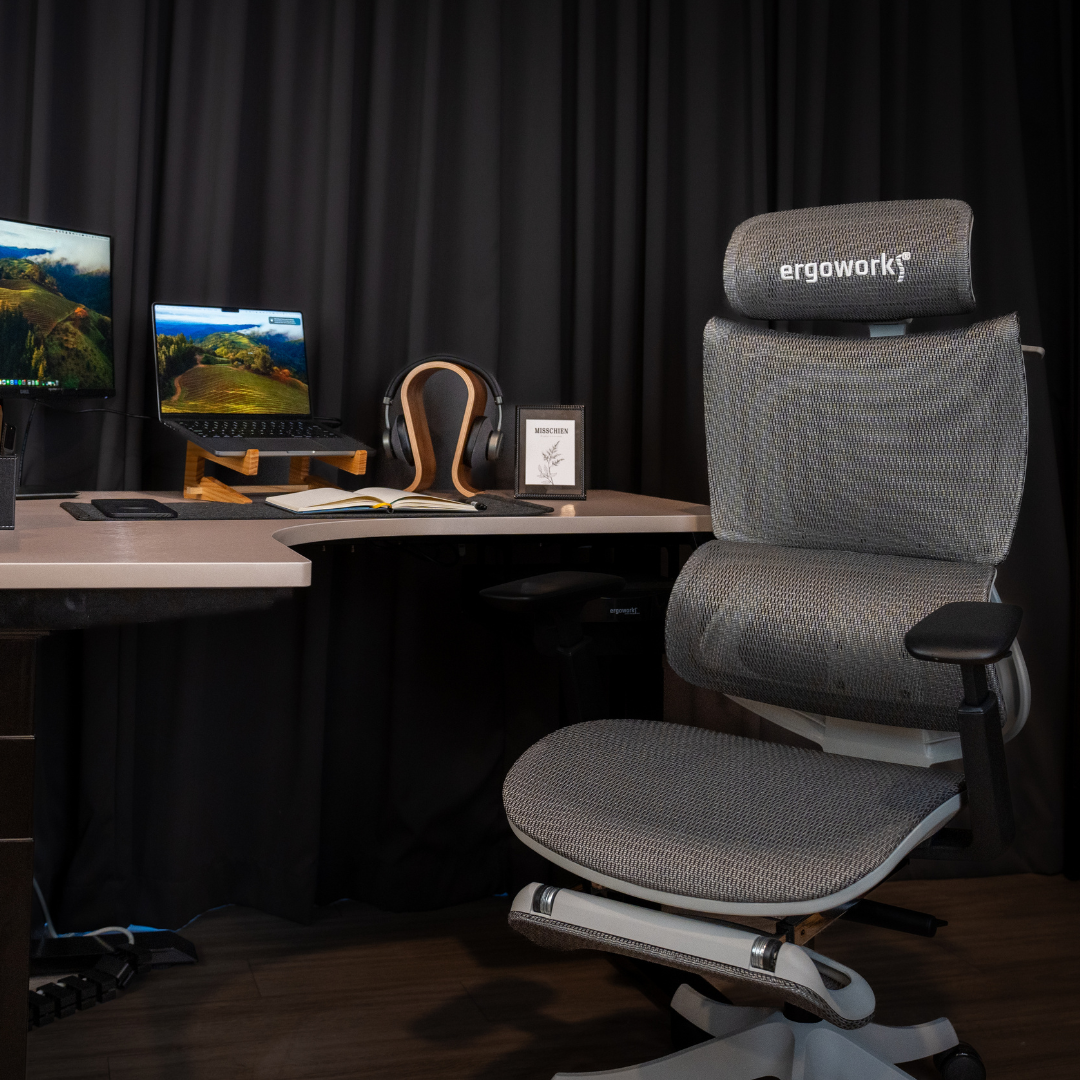
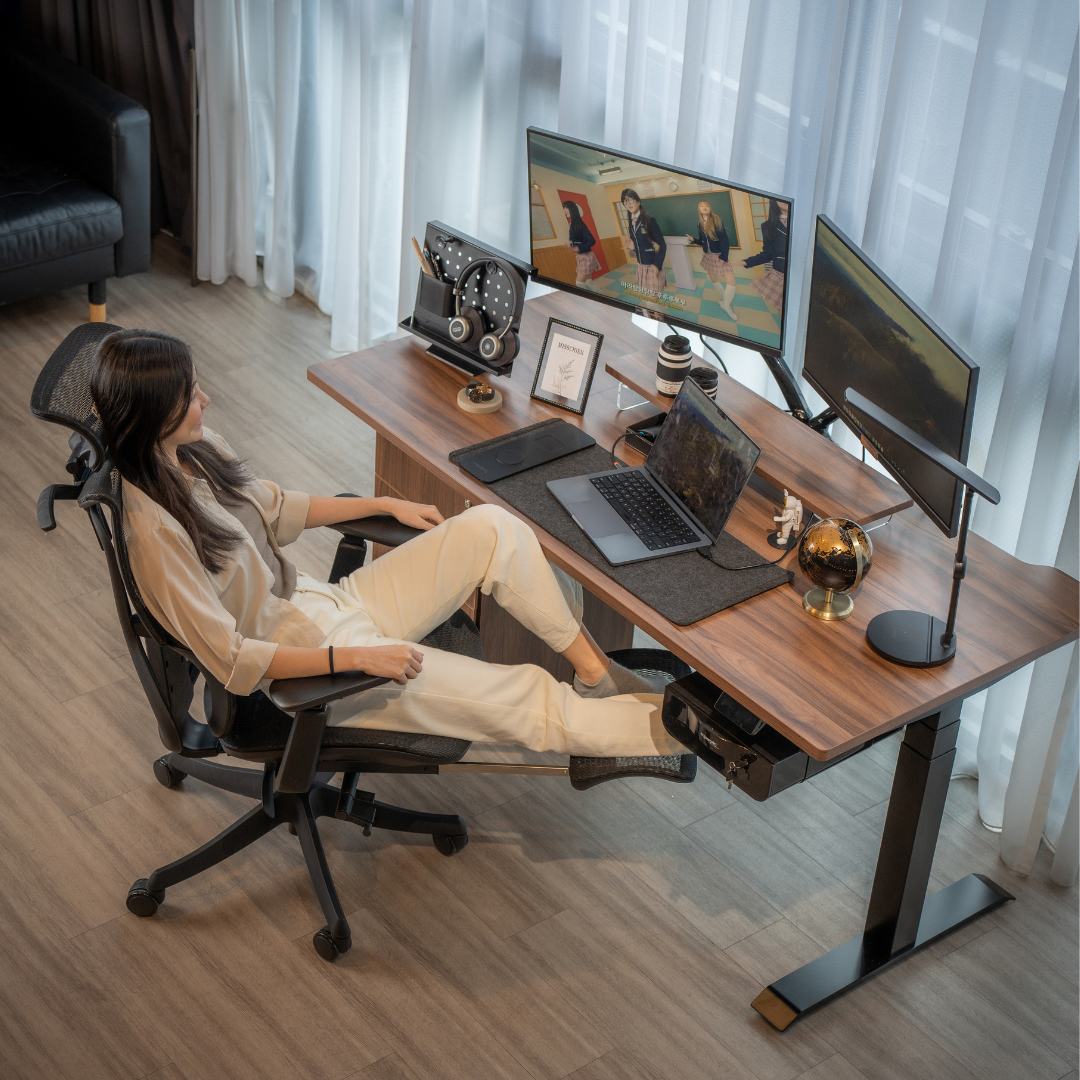
Experiencing discomfort while working at your desk? It may be time to take a closer look at your chair. The right seating can make a significant difference to your comfort, posture and overall well-being, especially if you spend long hours working each day. Ignoring early warning signs of an inadequate chair can lead to ongoing aches, posture issues and reduced productivity.
Whether you are using a computer chair at home or in the office in Singapore, even minor issues can develop into long-term discomfort if they are not addressed. At Ergoworks, the focus on everyday ergonomics shows how much thoughtful chair design can influence posture, comfort and overall well-being. A well-supported sitting position can make daily tasks feel easier and help prevent unnecessary strain.
In this article, we will explore seven clear signs that it may be time to upgrade your computer chair and choose a setup that supports your health and working habits.
Key Takeaways
-
Replacing your computer chair at the right time can prevent long-term discomfort, posture issues and reduced productivity.
-
Persistent pain, visible wear and a lack of adjustability are clear signals that your current chair may no longer be supporting you properly.
-
A stable base, smooth wheels and essential ergonomic features are important for maintaining comfort and safety while working.
-
An outdated chair can contribute to fatigue and low energy levels by placing unnecessary strain on your body.
-
Choosing a well-designed ergonomic chair ensures better alignment, improved circulation and long-term comfort at work or home.
When to Replace Your Desk Chair for Better Comfort and Support
Your chair plays a big role in daily comfort, so here are seven signs it might be time to replace it.
1. Persistent Physical Discomfort and Pain
If you often experience back, neck, or shoulder pain during or after your workday, your chair might be to blame. Poor lumbar support and inadequate cushioning can lead to musculoskeletal strain, increasing the risk of long-term health problems. An ergonomic chair with proper lumbar support, adjustable armrests, and a contoured seat helps maintain the natural curve of your spine. This reduces discomfort and prevents posture-related pain.
Furthermore, chairs with low-quality materials can cause pressure points, restricting blood flow and contributing to fatigue. If your body aches even after short periods of sitting, it’s a clear indicator that it’s time to upgrade.
2. Visible Wear and Tear
Over time, chairs naturally wear out. If you notice flattened cushions, torn fabric, or broken armrests, it’s a clear sign that your chair is no longer providing the support you need. Damaged chairs not only compromise comfort but can also pose safety risks. A torn cushion may reduce the support needed for your lower back, while a wobbly frame increases the risk of accidents.
Upgrading to a durable, high-quality ergonomic chair ensures long-term comfort and a safer working environment.
3. Loss of Adjustability
An ergonomic chair should offer adjustable features, including height, armrests, lumbar support, and recline options. These features allow you to customise the chair to fit your body’s needs, promoting proper posture. If your chair’s adjustments no longer work or are limited, you may find it difficult to maintain an ergonomic sitting position.
A lack of adjustability often leads to poor posture, resulting in back pain, neck strain, and reduced productivity. Investing in a chair with robust adjustability ensures long-term support and personalised comfort.
4. Unstable Base or Malfunctioning Wheels
A chair that wobbles or has malfunctioning wheels is a hazard in your workspace. Stability and smooth movement are essential for maintaining a safe and productive environment. If your chair no longer rolls effortlessly or feels unsteady, it may increase the risk of injury from sudden movements or falls.
Modern ergonomic chairs come with sturdy, reliable bases and smooth-rolling wheels. Replacing your unstable chair with a stable, high-quality option can significantly improve your safety and mobility while working.
5. Lack of Essential Ergonomic Features
Older or budget chairs may lack essential ergonomic features like proper lumbar support, breathable materials, and adjustable armrests. Without these features, maintaining a comfortable and healthy posture becomes difficult.
An ergonomic chair supports your body’s natural alignment, ensuring that your back, neck, and shoulders remain comfortable throughout the day. Chairs designed with breathable fabrics and supportive foam reduce heat buildup, keeping you cool and comfortable even during long working hours.
6. Increased Fatigue and Reduced Productivity
Feeling tired and sluggish after a day at your desk? An unsupportive chair can contribute to fatigue by placing unnecessary strain on your body. Poor posture can lead to poor circulation, reducing energy levels and making it harder to stay focused.
A high-quality ergonomic chair promotes better posture and blood circulation, which in turn helps you stay energised and maintain productivity. Upgrading your chair can lead to improved concentration and greater comfort during your workday.
7. Exceeded Lifespan
Most chairs are designed to last around 5 to 10 years, depending on their quality and how frequently they are used. Over time, even a high-quality chair will lose its supportive qualities. Internal components, like cushioning and support structures, deteriorate with use, impacting your comfort and posture.
If your chair has served you for longer than this, it may no longer provide the support you need. Even if it looks fine on the surface, consider upgrading to a new chair to maintain optimal comfort and support.
Chair Lifespan and Maintenance Guide
|
Chair Type |
Average Lifespan |
Maintenance Needed |
Signs It Needs Replacement |
|
3 to 5 years |
Occasional tightening of screws, simple cleaning |
Flattened cushioning, unstable base, worn fabric |
|
|
Mid-range ergonomic chair |
5 to 8 years |
Regular cleaning, checking adjustment mechanisms |
Loss of lumbar support, reduced comfort, limited adjustability |
|
Premium ergonomic chair |
8 to 12 years |
Routine lubrication of parts, wheel maintenance, fabric care |
Cushion deterioration, adjustment failure, decreased overall support |
Upgrade Your Computer Chair with Ergoworks in Singapore

Recognising these signs is the first step towards a more comfortable and productive work environment. At Ergoworks, we specialise in ergonomic solutions that promote health and well-being. Our range of ergonomic chairs is designed to offer optimal support, reducing discomfort and enhancing your productivity.
Whether you work from home or in an office in Singapore, finding the right computer chair can make a significant difference. Our expert team can help you select a chair that suits your body type, work style, and preferences. Visit our website or our physical stores in Singapore to explore our selection of ergonomic chairs and experience the Ergoworks difference.
Invest in better comfort today. Shop ergonomic chairs at Ergoworks and upgrade your workspace now.
Frequently Asked Questions
How often should I evaluate my desk chair for ergonomic effectiveness?
It is a good practice to review your chair’s comfort and support every six months, especially if you sit for long periods each day. Regular checks help you identify early signs of wear or reduced support before they start affecting your posture or productivity.
What is the ideal sitting posture when using a desk chair?
Your feet should rest flat on the floor, your knees should be at a right angle, and your back should be fully supported by the chair’s backrest. Proper alignment helps reduce strain on your spine and promotes long-term comfort.
Can an ergonomic chair reduce the risk of long-term body pain?
Yes. Ergonomic chairs are designed to support your spine’s natural curve, relieve pressure points and encourage healthier sitting habits. This significantly lowers the likelihood of developing chronic back, neck or shoulder pain over time.
What features should I prioritise when choosing a new computer chair in Singapore?
Look for adjustable height, lumbar support, a stable base, comfortable cushioning and breathable materials. These features ensure better posture, enhanced comfort and improved durability in Singapore’s warm climate.
Does the weight capacity of a chair matter?
Absolutely. Every chair is designed to support a specific weight range. Choosing a chair that suits your weight ensures optimal stability, prevents premature wear and helps maintain overall safety.
Discover your perfect ergonomic chair at Ergoworks and prioritise your well-being today!


Leave a comment
This site is protected by hCaptcha and the hCaptcha Privacy Policy and Terms of Service apply.